
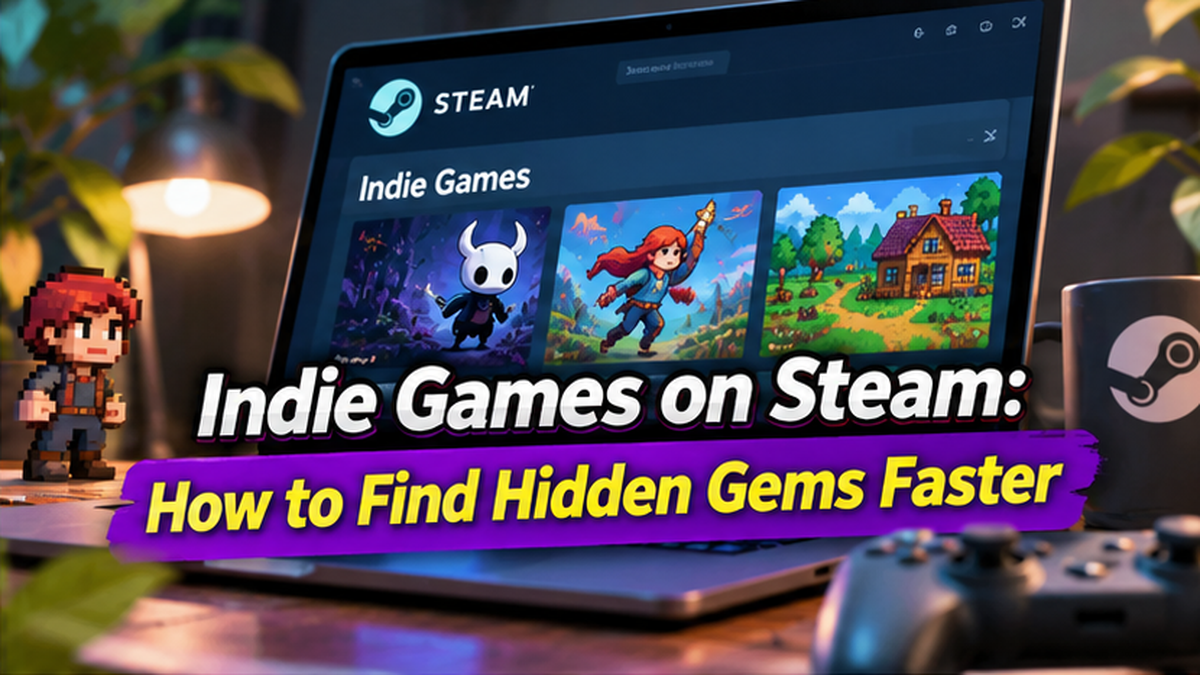
Indie games on Steam arrive in huge numbers, and the best ones often disappear under a flood of new releases. Instead of scrolling the front page and hoping, you can use Steam’s own tools to find hidden gems earlier. This guide shows how to use demos, tags, reviews, curators and refunds to find indie games on Steam that fit your taste before everyone else notices them.
Key Takeaways
- Steam Next Fest runs three times a year and lets you try demos of upcoming indie games on Steam for free
- Tags, review filters and curators narrow a giant catalogue into a short list you can trust
- Early Access needs extra research, because a promising page does not guarantee a finished game
- Wishlists and the refund policy let you test indie games on Steam with very little risk
Why Indie Games on Steam Are Hard to Browse
Steam is open to almost any developer, which is wonderful for creativity and terrible for browsing indie games on Steam. A small studio with a brilliant idea may release next to hundreds of games that week, and the storefront cannot show them all. Many strong indie games on Steam sell quietly for months before word of mouth carries them upward.
That means finding indie games on Steam is a skill. You need a repeatable routine rather than a lucky scroll, and the routine below takes less than an hour a week once your wishlist is set up.
Start With Next Fest Demos
Steam Next Fest takes place three times a year, in February, June and October. During each event, hundreds of developers publish free demos, and many hold live streams and developer chats. It is the best moment to sample indie games on Steam before you spend anything.
Play the first ten minutes and ask simple questions. Is the core action fun by itself? Do the controls feel comfortable? Would you want to see more? Wishlist any of the indie games on Steam that pass, then ignore the rest. Demos also reveal performance problems early, which helps if you play on a modest PC.
Use Tags and Filters on Indie Games on Steam
User-defined tags are more precise than genres. Instead of searching for a generic category, combine tags such as roguelike, deckbuilder, cozy, puzzle or short. Stacking two or three tags removes most of the noise and surfaces indie games on Steam that match your mood.
Filters add another layer to searching indie games on Steam. Exclude tags you dislike, set a price ceiling, and sort by user reviews or release date. Saving a few search combinations makes it easy to check for new arrivals each week.
Read Reviews the Smart Way
For indie games on Steam, the store shows an overall review label, such as Very Positive, and a separate label for recent reviews. Check both. A game with a long history of praise and a sudden recent dip may have a broken update, while a rising recent score can signal a successful patch.
Count matters too when judging indie games on Steam. A tiny sample can be misleading, so look for games with a meaningful number of reviews. Then read a few positive and negative reviews to see why people feel the way they do. Complaints about taste are fine; complaints about crashes or missing features are warning signs for indie games on Steam.
Curators, Wishlists and the Discovery Queue
Curators are people or groups who recommend games with short reviews. Following a few whose taste matches yours is one of the fastest ways to find indie games on Steam without reading endless pages. Steam’s Discovery Queue and the More Like This section on store pages are useful too, especially after you have wishlisted several titles you like.
Your wishlist is a discovery tool as well as a shopping list. Steam notifies you about releases and discounts, and it shows which games you keep returning to. A wishlist with thirty entries tells you quickly what kinds of indie games on Steam deserve your time.
Early Access: How to Judge Risk
Many indie games on Steam launch in Early Access, which lets players buy while development continues. That can be excellent, as community feedback often improves a game, but it can also leave you with an unfinished project.
Check the developer’s roadmap, update history and communication. Recent patch notes are more reassuring than a page that has not changed in a year. Read the store page honestly: if the developer promises a long list of features without showing progress, wait. Early Access works best when you enjoy the current version for what it is.
Check Steam Deck Status for Indie Games on Steam
If you play on a handheld or an older PC, look at the Steam Deck compatibility label and the minimum requirements. Steam labels games as Verified, Playable or Unsupported, and many small, well-optimised indie games on Steam run comfortably on modest hardware. Pixel art platformers and card games rarely need powerful graphics cards, which makes them ideal for portable play.
Refunds and Smart Buying
Steam generally allows refunds within 14 days of purchase if you have played under two hours. That window is enough to judge most short indie games on Steam, so a purchase is less risky than it looks. Do not rely on it as a habit, but it is a useful safety net when you try an unfamiliar genre.
Plan your purchases around seasonal sales as well. Valve publishes its sale calendar in advance, so you can see when the next storewide event is coming. Keep a short wishlist ready so you can act on genuine discounts rather than on impulse.
A Simple Weekly Routine for Indie Games on Steam
Pick one evening each week. Check your saved tag searches, glance at new releases, skim your curators’ latest picks and read recent reviews for anything promising. Add the best candidates to your wishlist and play one demo if available. During Next Fest, extend the routine and try several demos in a row.
Finding great indie games on Steam is a habit rather than luck. Use demos to test ideas, tags to focus your search, reviews to confirm quality and refunds to reduce risk, and you will build a library of games that feel handpicked for you.